Communications
Send each update to its group
A busy summer produces too many notices for every member to receive them all. Send an October session change to its roster, a duty reminder to the assigned crew, or a kit note to the relevant owners. Groups draw from current membership records. Club notices remain findable after the chat has moved on.
What it has to do
Useful groups need no second list
Squads, age bands, duty crews and owners come from member data. The committee does not copy addresses into another tool.
Changes arrive before the journey
Conditions can call off a session at short notice. Signed-up members receive the message while it can still save a trip.
The audience stays current
A single roster removes departed members and includes new ones. Exported contact files cannot quietly drift out of date.
Formal news keeps a permanent home
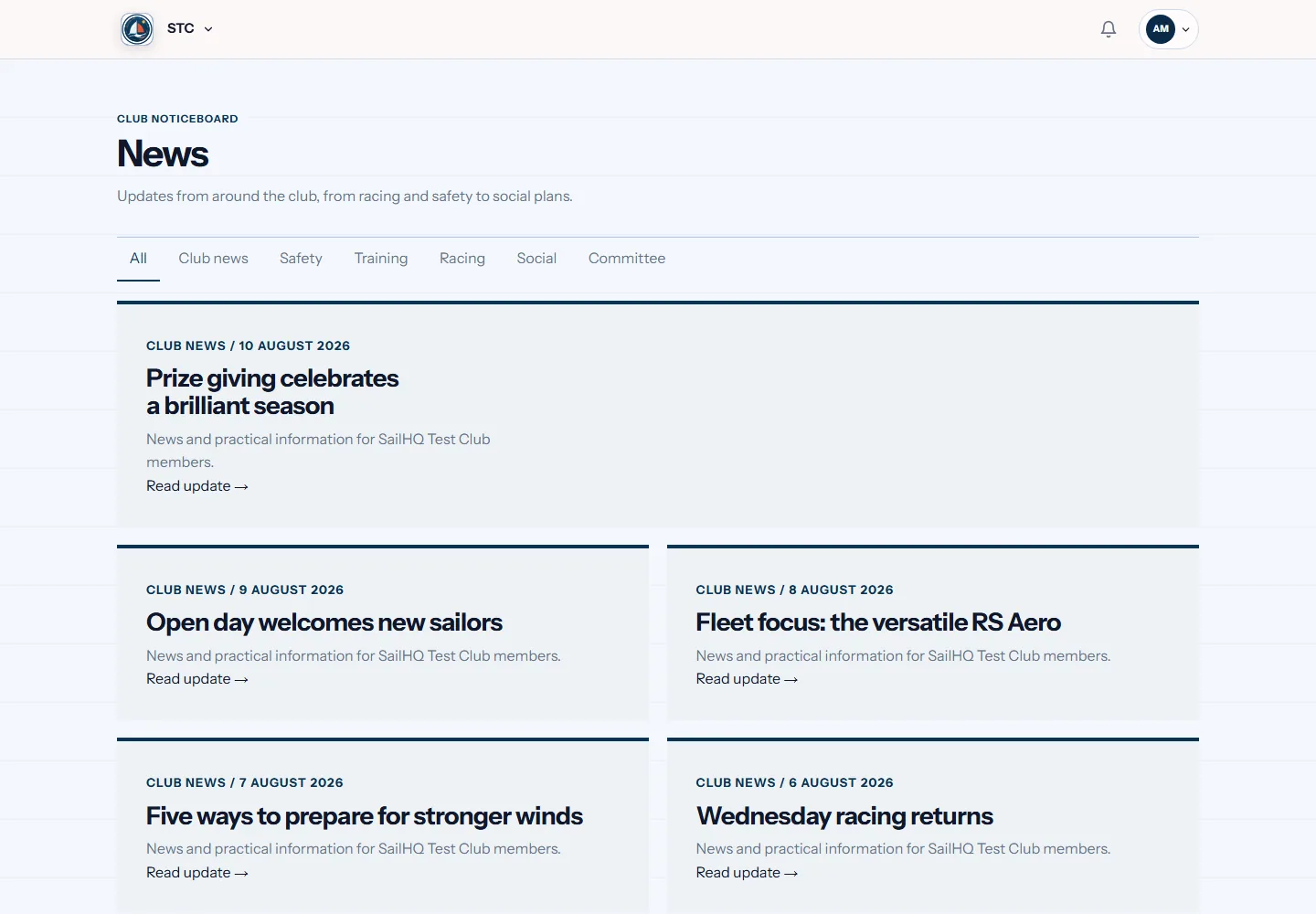
Members return to the club area for notices and updates. The only copy is not buried inside a chat thread.
Individual choices are respected
Each person manages communication preferences on their membership record. Senders use those settings rather than guessing who wants what.
Chats still handle conversation
There is no need to ban the group chat. It simply stops being the official store for rosters and decisions.
The same job in four sports
This is the bit a general platform cannot do. Same feature, shaped by what the sport actually needs.
Questions
Should our club stop using group chats?
No. Keep them for informal discussion and quick back-and-forth. Put official cancellations, roster changes and notices in the club system, where the correct audience receives them and members can find the final answer later.
Can we contact only one roster?
Yes. A message can target a squad, age group, duty crew or another group built from current member data. The committee does not have to export addresses or update a parallel contact list.
Do people manage their own preferences?
Yes. Preferences sit on the person's record and guide optional club messages. This gives members clear control while letting the committee use its current roster for necessary operational communication.
On most committees this job belongs to the club secretary. If that is you, or about to be, our guide to the whole role covers the parts software cannot do for you.