Communications
Tell the right summer group
During the October to March season, one conditions update may matter to a single session rather than the whole club. Use the live roster to contact those members, a duty crew, an age group or kit owners. The decision reaches people before travel. Notices stay in the member area instead of vanishing inside chat.
What it has to do
The roster defines each group
Current member fields create useful audiences without another address file. Changes to membership carry through to future messages automatically.
Session decisions arrive promptly
A called-off activity is sent to the people booked for it. Members learn before setting out for the club.
One contact source stays clean
There is no CSV copied months ago or mailing list with old names. The incorporated society uses its current roster.
Important information does not scroll
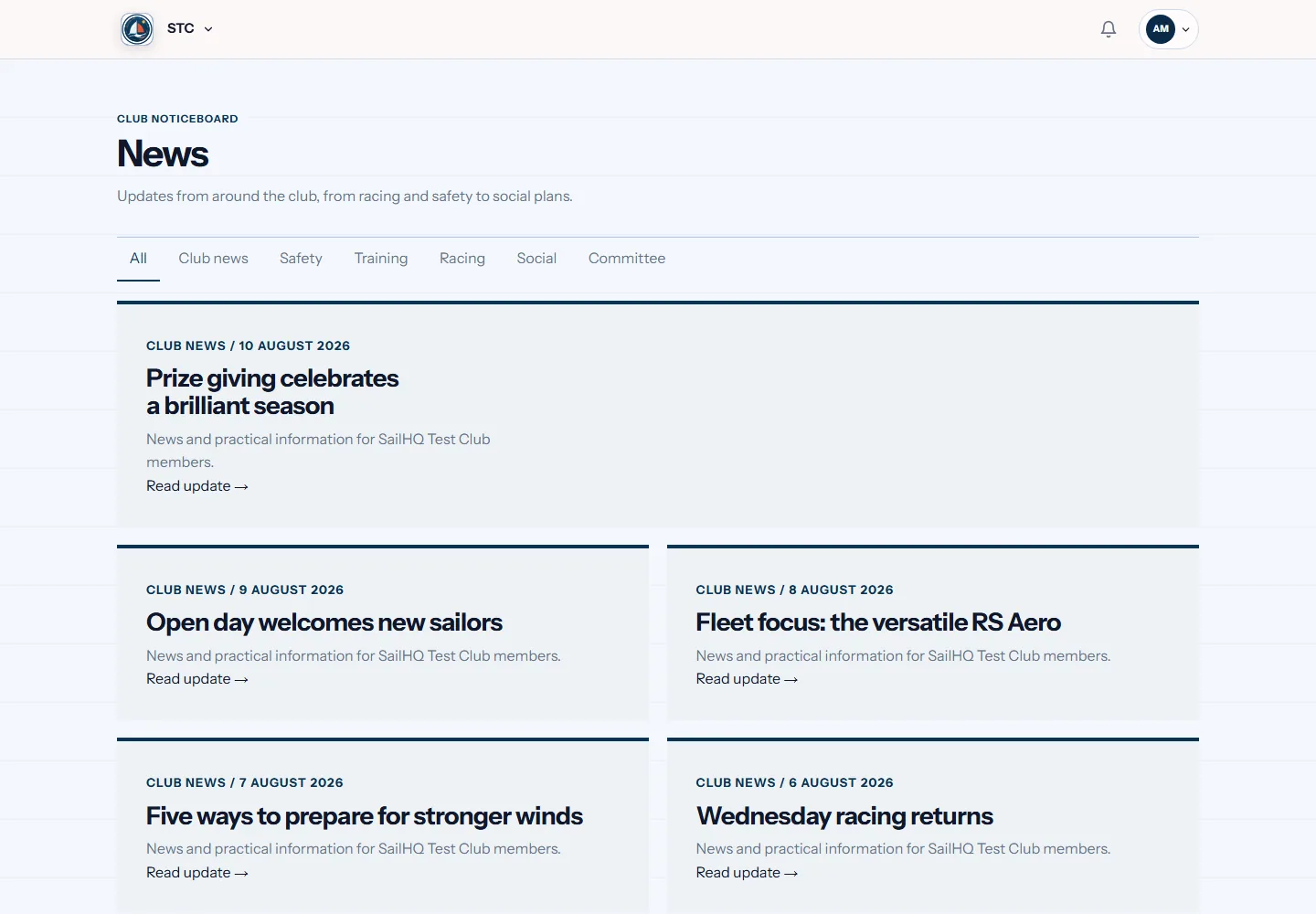
News and notices remain in a shared member area. Anyone can return later and see the club's confirmed position.
Members set their choices
Communication preferences attach to each person. Senders follow those settings when choosing audiences for optional club updates.
Chat remains useful for chat
Members can still talk in their usual groups. Official rosters and decisions live somewhere more dependable and easier to find.
The same job in four sports
This is the bit a general platform cannot do. Same feature, shaped by what the sport actually needs.
Questions
Do we have to leave our group chat?
No. Chat remains suitable for informal talk. Put official session decisions, duty details and longer notices in the club area, where the final version remains visible and the correct members receive it from the current roster.
Can we contact one activity group?
Yes. The audience can come from a session list, member category, duty assignment or another roster field. Officers choose the group that needs the update without keeping separate email lists for every programme.
Do members control optional communication?
Yes. Each person records their preferences within the member account. The club then uses those choices for optional messages and its stated rules for operational contact, without maintaining a second consent register.
On most committees this job belongs to the club secretary. If that is you, or about to be, our guide to the whole role covers the parts software cannot do for you.