Membership management
One record per member, not four spreadsheets
Club membership software is where a club keeps its member list. Who they are, what they have paid, what they are qualified to do, and how to reach them in a hurry. Most clubs run three or four partial versions of that list. The real one lives in the head of whoever has done the job longest.
What it has to do
One record, every role
Joining, renewal, emergency contact, qualification and committee role sit on the same person. The treasurer and the safety officer stop keeping separate lists that disagree.
Members keep it current
People update their own phone number and emergency contact. A membership list only stays accurate if the person it describes can edit it.
Renewals that chase themselves
Renewal dates, reminders and lapsed status handled by the system rather than by a volunteer with a calendar reminder.
Categories that match your club
Senior, junior, student, social, family, life member. Real clubs have awkward categories and half prices, and the software has to cope without a workaround.
Qualifications on the person
Whatever your sport gates on lives on the member record. Produce it on request, rather than hunt through a folder.
Handover without loss
When the membership secretary steps down the club keeps everything. That is the entire point.
A club task, worked through
Send a renewal reminder to the right member
A membership renewal reminder says what is due, when it is due and how to act. Check the latest payment record before sending it. A reminder sent after someone has paid creates more work for both of you.
Try a membership renewal
Fictional club recordsA simplified SportsHQ example. These are not the live app screens. Nothing is saved or sent. No payment is taken.
Use this to see how the task works. Ask to try your club's rules in the app before choosing it.
A small renewal list with different next steps
Here is a fictional list for one renewal round. All three members appear on the same report. They should not all receive the same message.
| Member record | Next step |
|---|---|
| M01: renewal due, fee unpaid | Send the renewal details. |
| M02: bank payment just received | Match the payment before sending anything. |
| M03: leaving at the period end | Confirm their choice and update the record. |
Keep renewal status separate from payment status. A person may have chosen to renew while their payment is still being checked. Do not ask them to pay twice.
Before you press send
- Check the membership period and fee against the club decision.
- Match recent payments to the right member or household.
- Use the correct name, amount, deadline and club payment link.
- Give a reply address for questions or a change of plans.
- Record the message date so another officer does not repeat it.
You do not need software to write a good reminder
A shared list and a clear message can work for a small club. Our editable pack has a first reminder, a payment-check reply and a leaving reply. Replace every bracketed field. Send messages privately. Never put the full member list in a public document or a visible group address list.
Get the renewal email examples
No signup. Editable, country-neutral messages in Word, with a PDF copy. Choose your own currency and renewal dates.
Example by SportsHQ. Product source checked . We make the HQ apps.
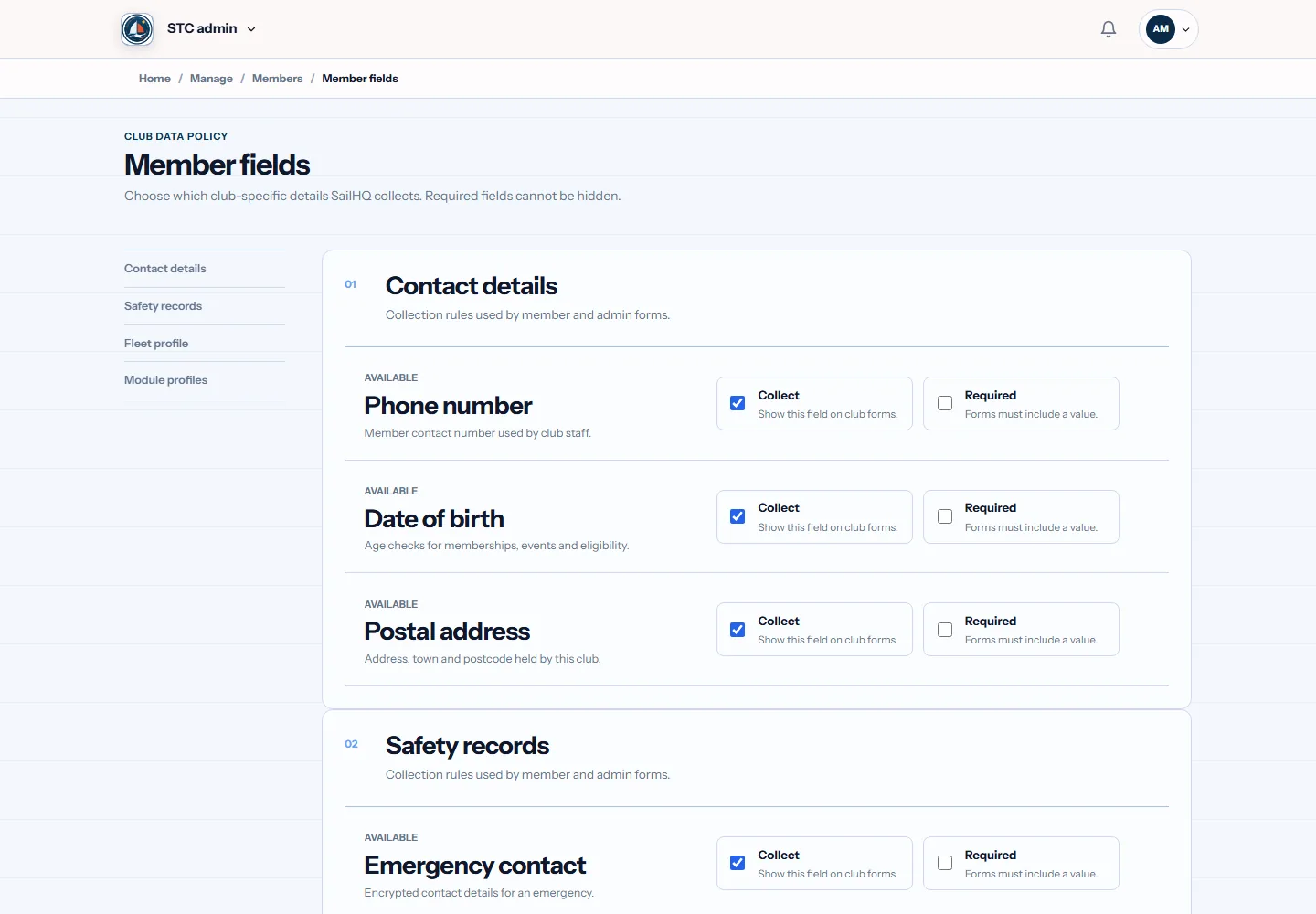
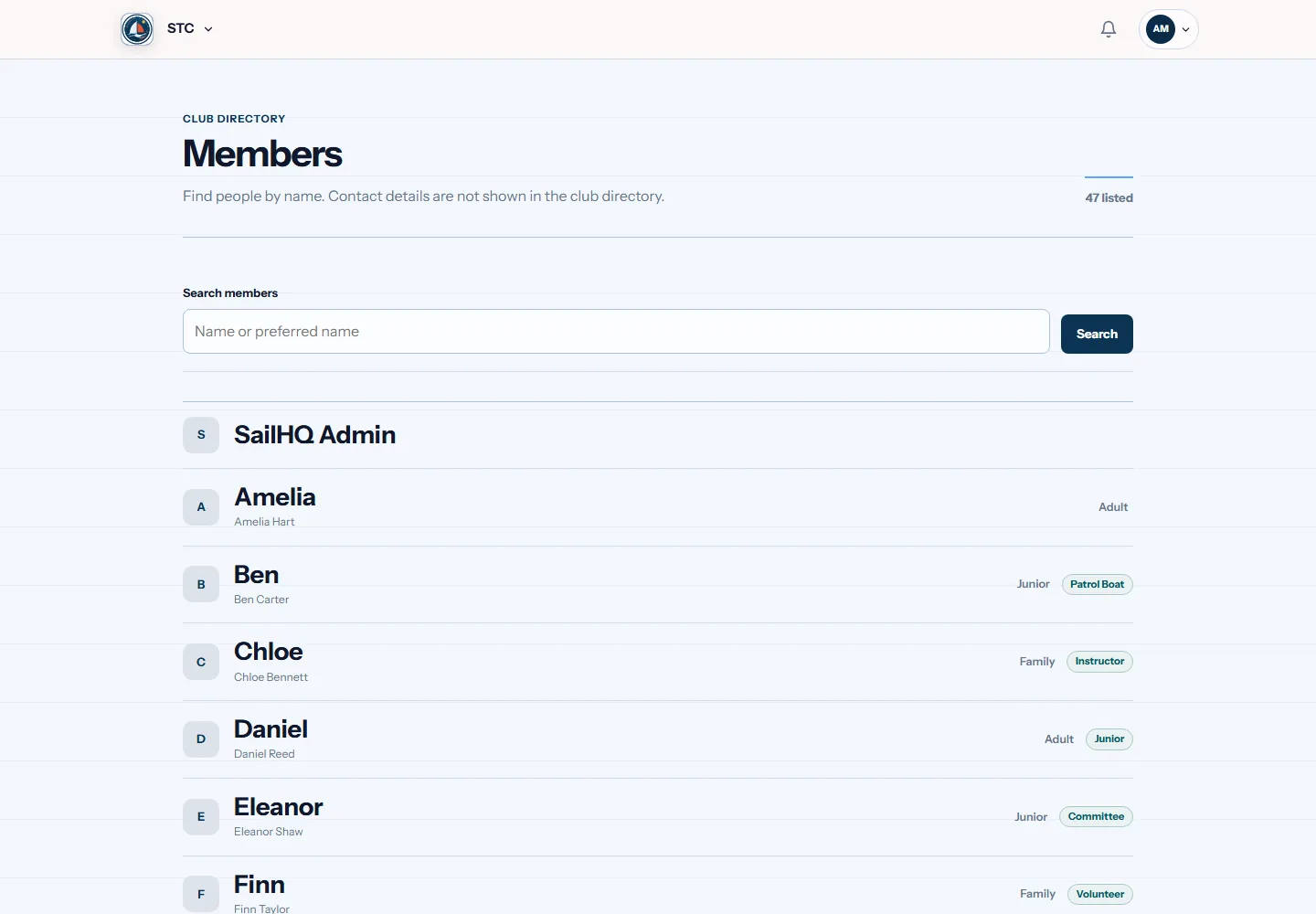
The same job in four sports
Each sport needs different rules. RowHQ, SailHQ and KanuHQ are live. The GlideHQ example describes planned work, not a feature you can use yet.
Questions
What should a club membership record hold?
Keep the contact details, membership type, renewal date and payment status your club needs. Add the qualifications and other records needed for the sport. Limit access to private information and review what you no longer need.
How is this different from a spreadsheet?
A shared spreadsheet can hold a member list and stay with the club after a handover. An HQ app adds member accounts and links those records to club tasks. Ask to see the renewal and payment process in the app for your sport.
Can members update their own details?
Yes. The live HQ apps have member accounts. Check which fields members can change and which need an officer to review them during your demo.
On most committees this job belongs to the membership secretary. If that is you, or about to be, our guide to the whole role covers the parts software cannot do for you.