Bookings and scheduling
Keep the summer roster workable
A booking clash can waste one of the club's limited October to March days. Members need a live view of equipment, activities and restrictions before leaving home. Good booking software understands that a session may require several people, suitable kit and a qualified volunteer. It refuses the impossible plan at the start and records what actually happened.
What it has to do
Members see the current picture
Available, reserved and broken items appear clearly on a phone. Nobody needs to ring an officer before making an ordinary plan.
One resource gets one booking
Overlapping requests are caught immediately. The first accepted reservation remains clear, avoiding an argument when both groups arrive.
Damage closes the item
A reported problem removes equipment from selection until it is ready. The next roster therefore uses what the club can actually provide.
Restrictions have practical force
Qualifications, ages and other required approvals can gate access. Members who do not qualify cannot reserve first and be corrected afterwards.
The full programme stays together
Sessions, coaching and events sit with the resources they need. Committee members can spot pressure on equipment before dates are announced.
The club keeps a usage record
Completed bookings show who had each item. This creates a dependable starting point for damage enquiries and routine equipment management.
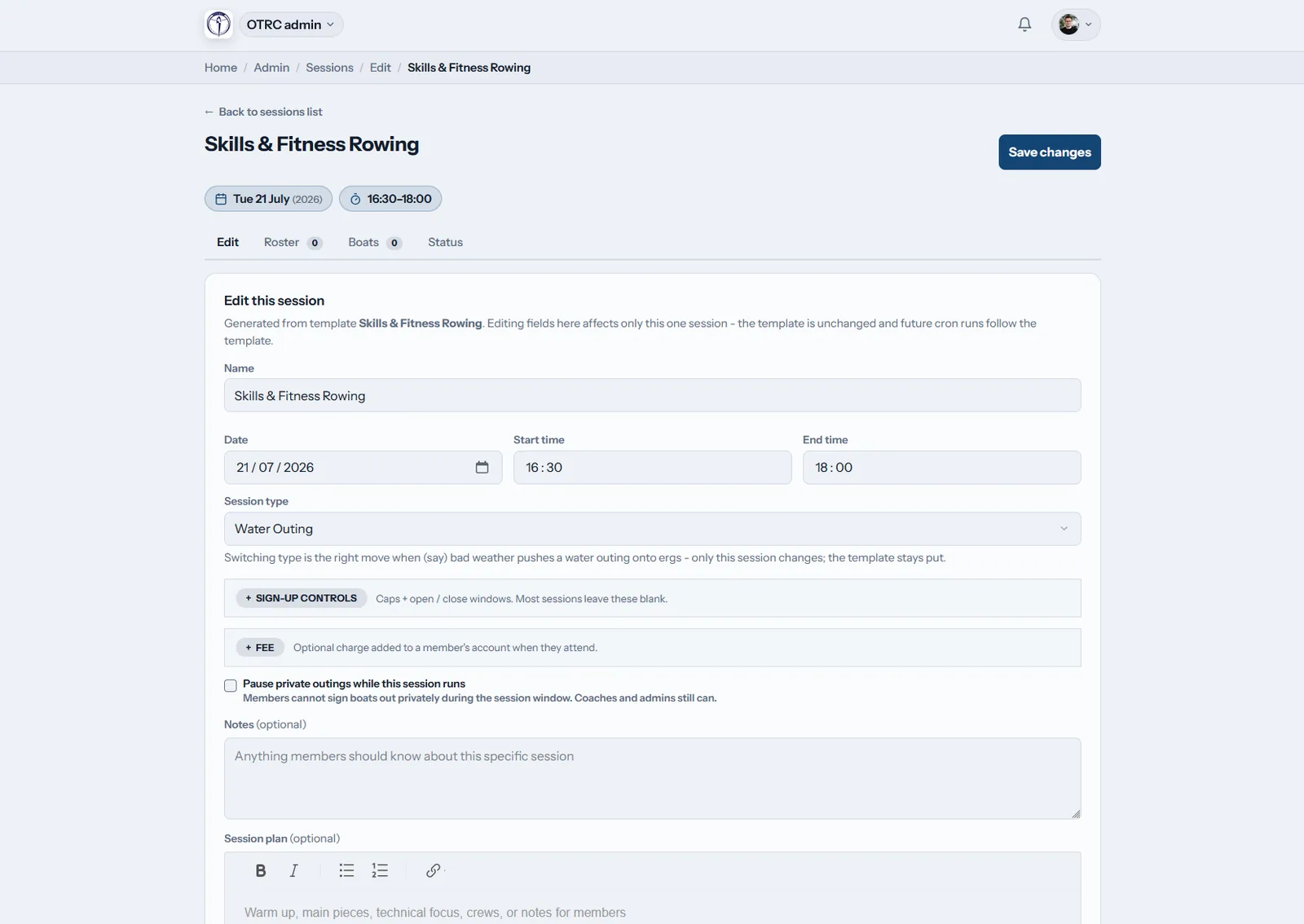
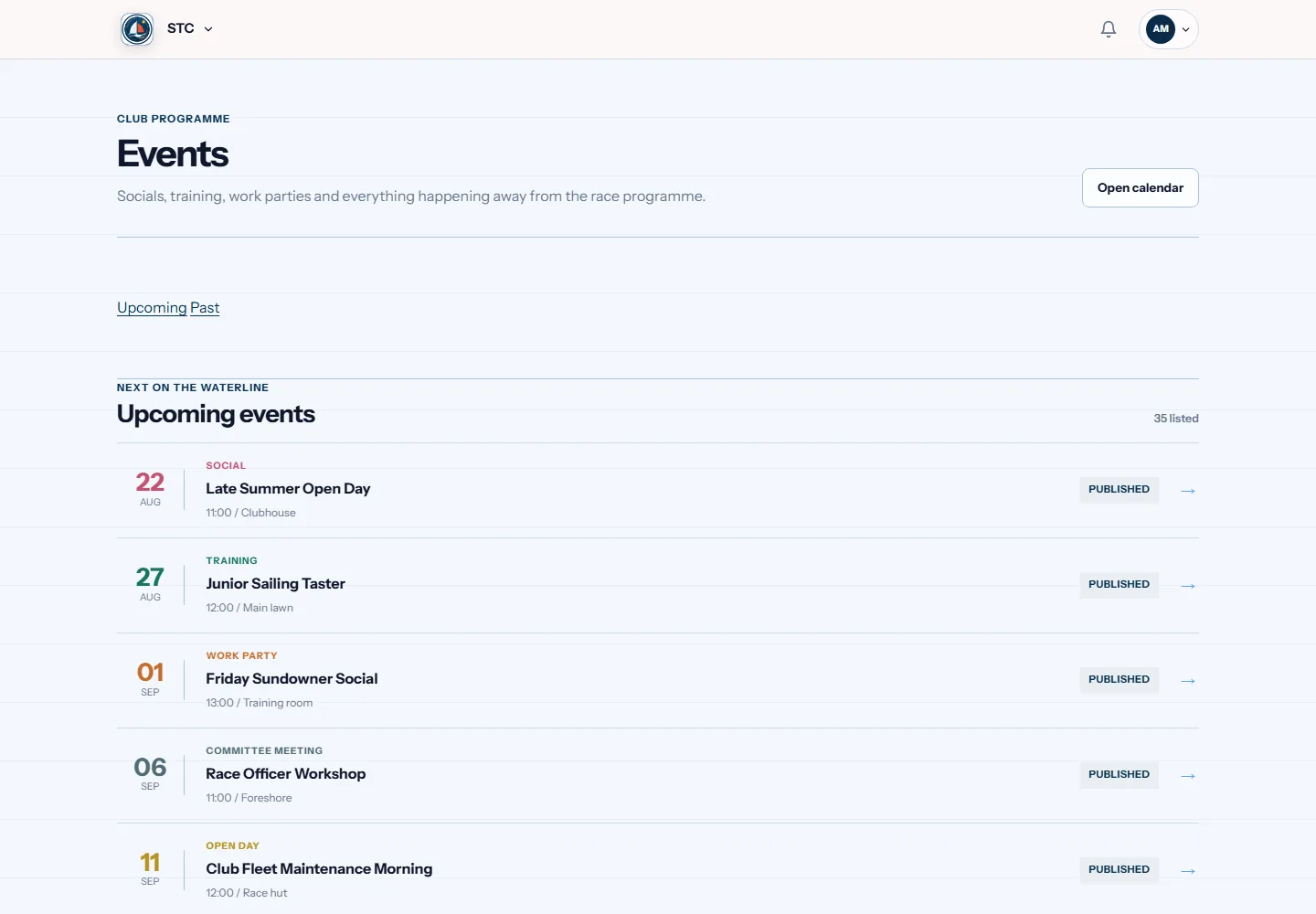
The same job in four sports
This is the bit a general platform cannot do. Same feature, shaped by what the sport actually needs.
Questions
What can our club put on the booking roster?
The roster can cover shared equipment, facilities and session places. It can also represent the people or qualifications an activity needs. Members therefore reserve a workable activity, not merely an empty time in a general calendar.
How are eligibility rules applied?
Your club attaches the relevant age, qualification or approval to the resource or session. The software checks that condition during booking. Officers still set the policy, review it and decide how each credential should be recorded.
Will members see equipment under repair?
They will see that it is unavailable, but cannot reserve it. A fault report changes live availability until the item returns to service. That keeps the roster honest and gives the club a record for follow-up.
On most committees this job belongs to the volunteer coordinator. If that is you, or about to be, our guide to the whole role covers the parts software cannot do for you.